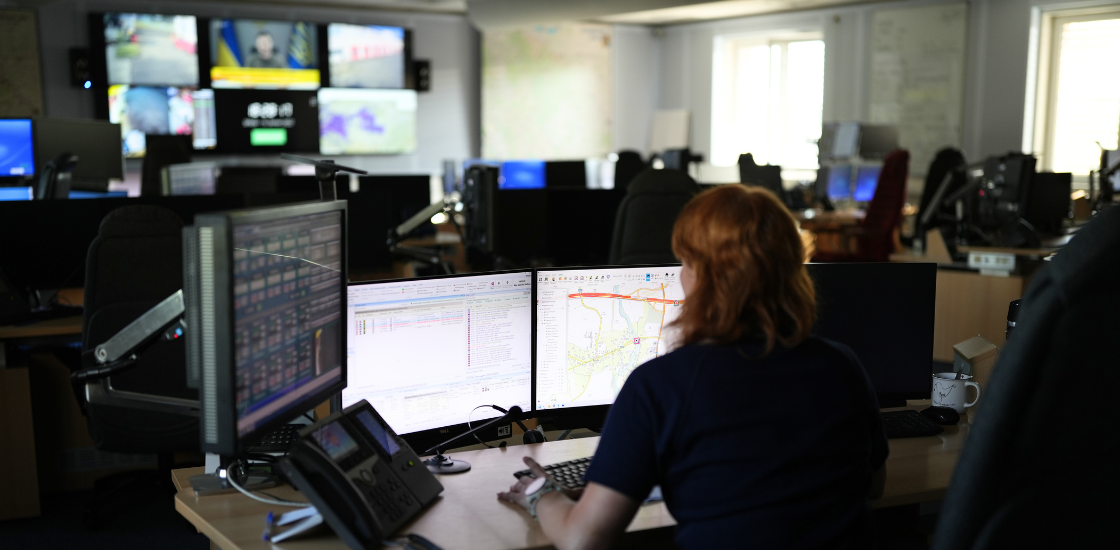


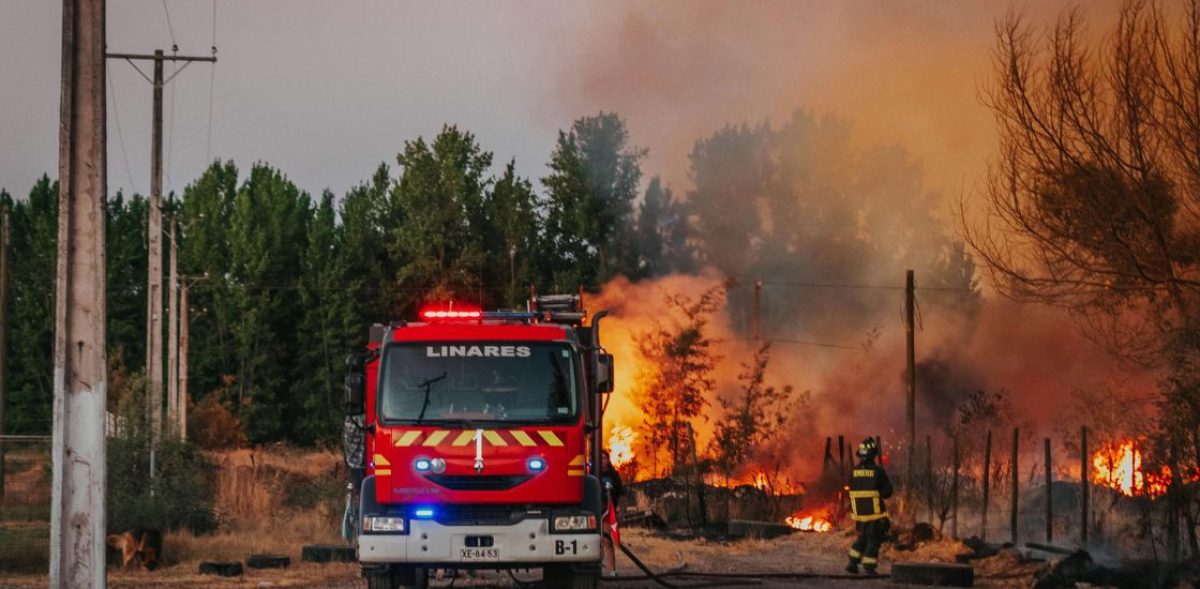
Every day, thousands of vehicles, technicians, and emergency responders are sent to the right place at the right time by a system most people never see. When it works well, nobody notices. When it doesn’t, the cost shows up in wasted time, frustrated customers, and, in emergency services, in outcomes that matter more than money.
In this article, we’ll look at what dispatch management involves, why it matters across emergency services and field operations, how dispatch management software has evolved, and what to look for in an effective dispatch management system today.
If you want to understand how dispatch connects to broader incident awareness, our guide to situational awareness covers the perception and coordination side in more depth.
Table of Contents
What is Dispatch Management?
Dispatch Management refers to the process of scheduling, coordinating, and monitoring vehicles, personnel, or services from a centralized system, often called a dispatch management system or dispatch management software. It sits between the moment a job, call, or incident comes in and the moment a unit arrives, and it decides who gets sent, in what order, and with what information.
The exact shape of that process depends on the sector. In emergency medical services, dispatch management determines which ambulance is closest and available, tracks that unit’s status in real time, and relays updates as the situation on scene changes. In field service management, it means matching a technician’s skills and location to a job, then adjusting the schedule when jobs run long or new requests come in. In public safety more broadly, it’s the function that turns an emergency call into a coordinated multi-unit response, which is where dispatch management overlaps directly with computer-aided dispatch (CAD) software.
Why Dispatch Management Matters?
The advantages of a well-run dispatch management system show up in several places at once.
Routing and fuel costs. Optimized routing means fewer wasted miles between calls, whether you’re running an ambulance fleet or a field service team. Instead of a dispatcher manually working out who’s closest, route optimization software factors in real-time traffic, unit location, and job priority automatically.
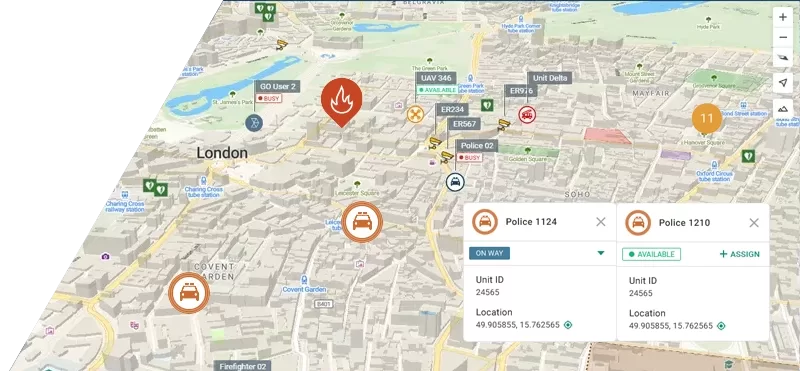
Accountability and real-time tracking. When every unit’s location and status is visible on a shared dashboard, supervisors can see exactly where things stand without radioing around for updates. That visibility is also what makes a shared, real-time incident view possible across an entire response, not just within one vehicle or team.
Customer and public communication. Accurate ETAs, built from live location data rather than estimates, cut down on “where are you” calls and, in emergency contexts, help other responding units plan around when backup will arrive.
Job completion and first-time fix rates. Matching the right skills and equipment to a job before dispatch reduces how often a second visit or a different unit needs to be sent out.
Fewer manual errors. Automated scheduling removes a layer of manual guesswork, dispatcher fatigue, and double-booking that comes with juggling multiple radios, spreadsheets, or paper logs.
The Evolution of Dispatch Management Systems
Dispatch has moved through several distinct stages. Early dispatch relied on paper logs, wall maps, and two-way radios, with a dispatcher manually tracking which unit was where based on radio check-ins. That approach worked at small scale but broke down as call volumes and fleet sizes grew.
Computer-aided dispatch (CAD) software introduced structured incident records, digital unit status boards, and standardized workflows for how calls get assigned. GPS and automatic vehicle location (AVL) added a second layer: dispatchers no longer had to ask where a unit was, they could see it.
Today’s dispatch management software builds on both. Cloud-based platforms mean dispatchers, field units, and supervisors can all see the same data from different devices, mobile communication tools replace radio check-ins with structured updates, and AI-assisted scheduling suggests the best unit for a job rather than leaving that judgment entirely to the dispatcher. The result is a dispatch management system that’s faster to update and easier to audit than anything built around paper or standalone radios.
How It Works in the Field: Real-World Scenarios
Utility outage response. When a storm knocks out power across a service area, dispatch management software helps a utility company prioritize repair crews based on outage severity, crew location, and equipment needs, rather than working through requests in the order they came in. As new outages are reported, the system re-prioritizes automatically instead of requiring a dispatcher to manually reshuffle the queue. Coordinating that across multiple crews, and often multiple partner agencies, is exactly the kind of shared visibility described in our article on the common operating picture: everyone working from the same incident data instead of piecing it together over the radio.
Medical transport coordination. A non-emergency medical transport service managing dozens of patient pickups across a city faces a similar problem at a smaller scale: appointment times, patient mobility needs, and vehicle capacity all have to line up. Dispatch management software reduces the manual back-and-forth of matching patients to vehicles and flags conflicts, like two pickups scheduled too close together for one vehicle, before they turn into missed appointments.
Key Features of an Effective Dispatch Management System
| Feature | What it does |
|---|---|
| Real-time location tracking | Shows dispatchers and supervisors exactly where every unit is, without radio check-ins |
| Automated scheduling and route optimization | Assigns jobs and calculates routes based on location, priority, and traffic, instead of manual guesswork |
| Integration capabilities | Connects with AVL, GIS mapping, billing, or other existing systems instead of operating as a silo |
| User-friendly interface | Keeps the system usable for dispatchers working under time pressure, not just in a training environment |
| Performance analytics | Surfaces patterns in response times, job durations, or missed windows that would otherwise go unnoticed |
| Mobile access for field teams | Lets units receive updates, confirm status, and report issues from the field, not just from a base station |
Of these, integration is often the most overlooked. A dispatch management system that can’t share data across CAD, AVL, and mobile apps for field responders just becomes another silo that someone has to manually reconcile, which defeats a lot of the purpose.
The Challenges of Dispatch Management
No system removes every friction point.
Last-minute changes. A cancelled job, a new emergency call, or a vehicle breakdown can throw off a schedule that took real effort to build. A dispatch management system with real-time updates helps, but it still takes a dispatcher’s judgment to decide what gets bumped.
Communication with mobile teams. Field units aren’t always reachable the moment a change happens, especially in areas with weak signal coverage. Mobile apps with offline caching and automatic sync reduce this gap but don’t eliminate it entirely.
Balancing cost and service level. Tighter routes save fuel and time but leave less slack to absorb the unexpected. Getting that balance right is as much a policy decision as a technical one; dispatch management software can surface the tradeoffs, but it can’t make the call for you.
The Role of Smart CAD
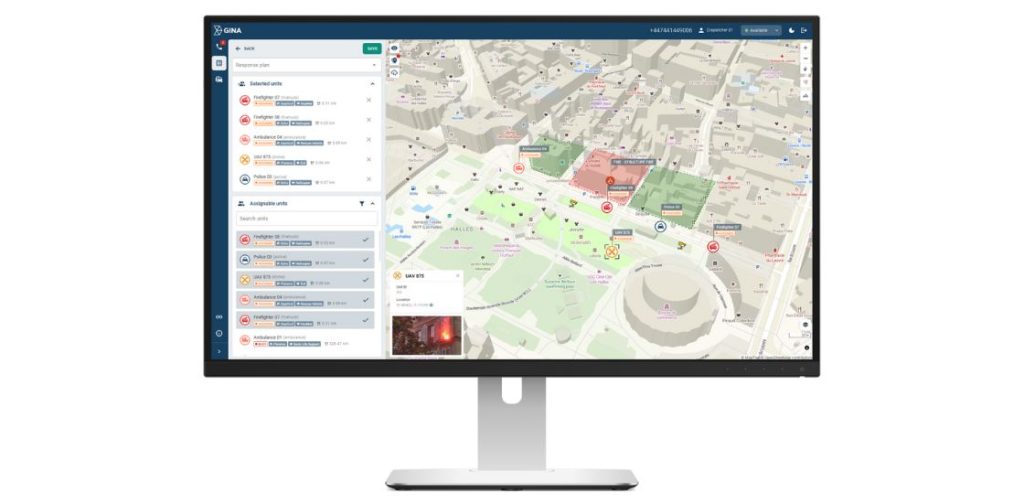
Smart CAD is built around the parts of dispatch management that are hardest to get right under pressure:
- Operational oversight: a birds-eye view of operations, live view of unit status, incident records, and communication in one place, so nothing has to be pieced together after the fact
- Intelligent assignment logic: matches the right unit to a call automatically instead of leaving it to guesswork
- Integrated messaging: keeps dispatchers and field units on the same channel without switching between apps or radios
- Performance analytics: surfaces inefficiencies, like recurring delays or coverage gaps, before they become a pattern
Instead of treating computer-aided dispatch as a standalone system, Smart CAD ties all of this into one dispatch and coordination layer, so every responding unit and supervisor works from the same shared incident picture rather than reconciling separate logs afterward.
For teams that also need vehicle and asset visibility alongside dispatch, Tactical AVL adds real-time location tracking and, where relevant, airspace coordination on top of the same data foundation.
Future Trends
Two shifts are already changing how dispatch management works.
AI and predictive analytics are moving from reporting on what happened to suggesting what should happen next, flagging likely delays or recommending a unit reassignment before a problem shows up on a supervisor’s screen.
And drone integration is starting to extend the reach of dispatch beyond ground units, giving responders and field teams an aerial view of a scene before a unit even arrives. GINA’s own work on drone coordination, through GINA Drone, reflects how quickly this is becoming a standard part of the toolkit rather than a novelty.
Final Thoughts
Dispatch management isn’t back-office plumbing. It’s the layer that decides how fast help arrives, how efficiently a fleet runs, and how much a dispatcher can trust the information in front of them. Getting it right pays off directly in response times, cost control, and the ability to handle a bad day without everything falling apart.
If you’re evaluating dispatch management software for your team, request a demo of Smart CAD to see how it handles real-time assignment, tracking, and coordination in practice.