Search and Rescue Software
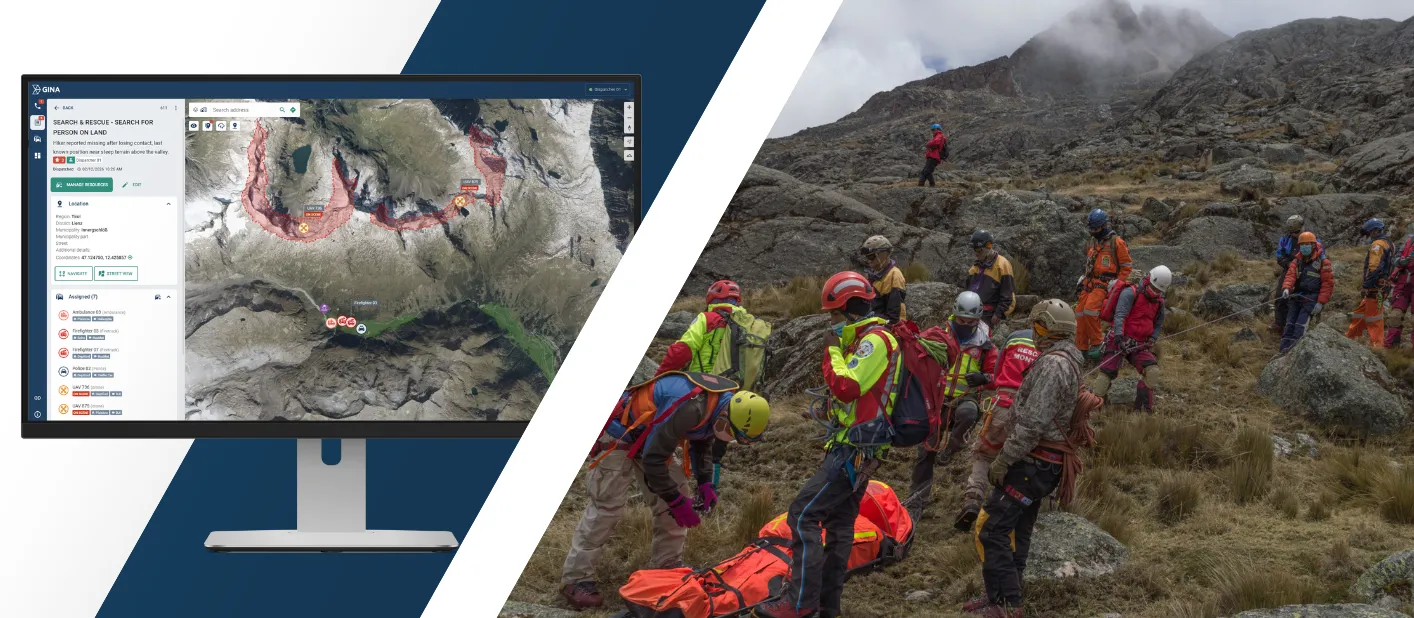
Run search and rescue operations with one shared operational picture and real-time visibility across teams. Smart CAD reduces confusion, prevents duplicated effort, and keeps everyone aligned from first alert to debrief.
Trusted by first responders





Why GINA Software?


Why search and rescue teams rely on Smart CAD
Clear, shared operational picture
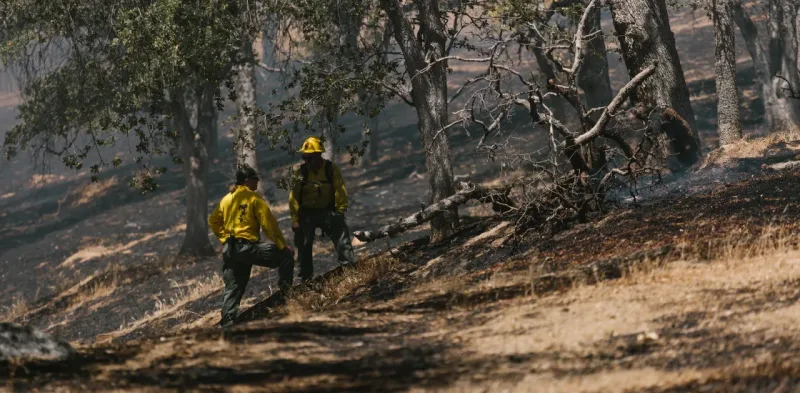
Command, dispatch, and field teams work from the same live overview of what is happening. Information stays consistent across all participants, reducing conflicting updates and repeated verification during critical moments. As the situation evolves, teams stay aligned without relying on manual coordination to keep everyone in sync.
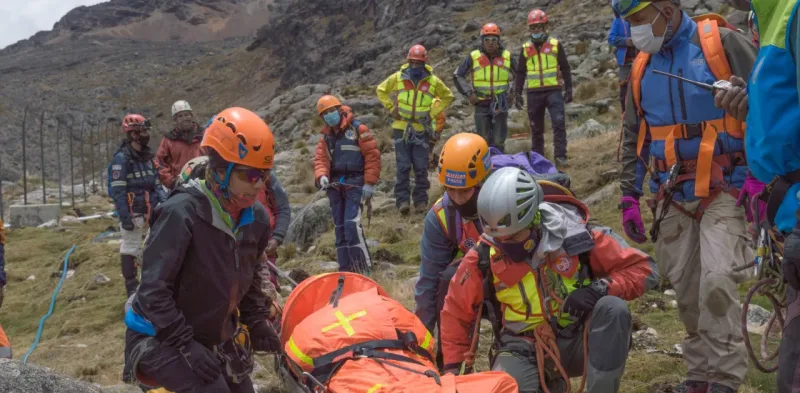
Faster progress with less duplication
Search activities are organized and visible across the operation, so teams spend less time coordinating status and more time covering priority areas. Clear ownership makes it obvious what is assigned, what is in progress, and what is complete. This reduces repeated coverage, exposes gaps earlier, and improves overall efficiency during long missions.
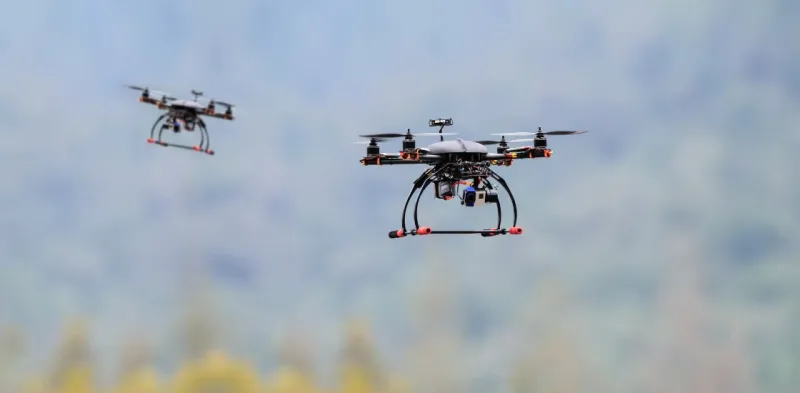
Safer operations for responders
Live location visibility and aerial support help teams avoid unnecessary exposure during search and rescue missions. Command can confirm movement, monitor progress, and use drone insight to assess areas before committing ground teams. This reduces risk in low visibility, difficult terrain, and rapidly changing conditions.
See why agencies like yours choose Smart CAD
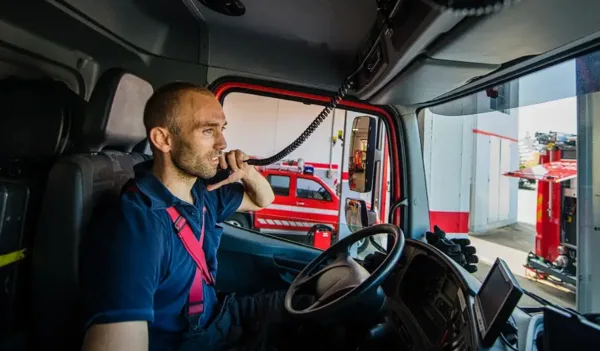
Sygic
Partnering with solution providers, such as GINA, who create products that truly answer the needs of people and communities has been pretty amazing. Seeing how technology makes a difference in the real world is why we do what we do. And the results speak for themselves.

Fire Rescue Service of the Czech Republic
GINA significantly improves the efficiency of both routine and special operations, reduces arrival time, provides real-time information support, and increases the level of cooperation among all responding units. Thanks to technology we can react flexibly to altering situations in the field.
Czech Red Cross
Many of our members are volunteers who go out from their homes to the scene. At a time like this, it’s great to have an app that lets you see on a map how people are converging on the scene. You can then coordinate much better, for example, by talking to drivers.

GM Risk Group
We have been working with GINA for a few years now and have found the software solutions to be a functional tool for our teams on the ground, plus a value add to our clients through our increased service capabilities. GINA provides our team and clients with high-level situational awareness by allowing us to tailor how we integrate, manage and share intelligence that is relevant to our teams and task objectives.

Alpha 6 Canada
I was looking for a solution that would handle tracking as well as incident command and I found that in GINA. We can send messages, set up geofences, track our assets and it has good app that goes with it for the smartphone for our clients. GINA provides a lot of things for us. It brings a lot of things together – the tracking, the messaging and then the reporting.
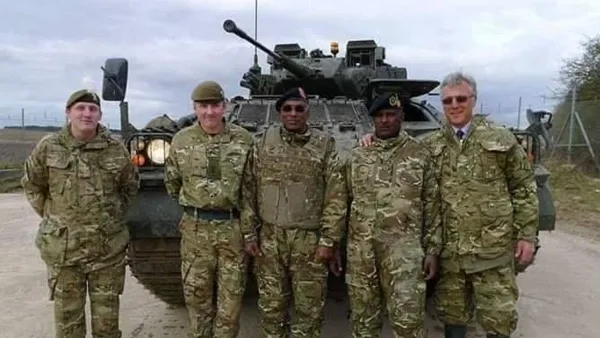
G2S Group
GINA has been our partner for the past two years in creating and implementing new and tailored systems for our Security company. We are also a business partner for them in the Horn of Africa region as both Facilitator and Reseller for GINA Software in Public Safety, Defense and Security, and Oil and Gas. They are reliable, thorough, smart, available, excellent communicators, and friendly! As a Partner of GINA’s solutions, we’ve obtained a broad positive reception, and allows us to meet the clients’ requirements successfully.
Core capabilities for coordinated search and rescue operations
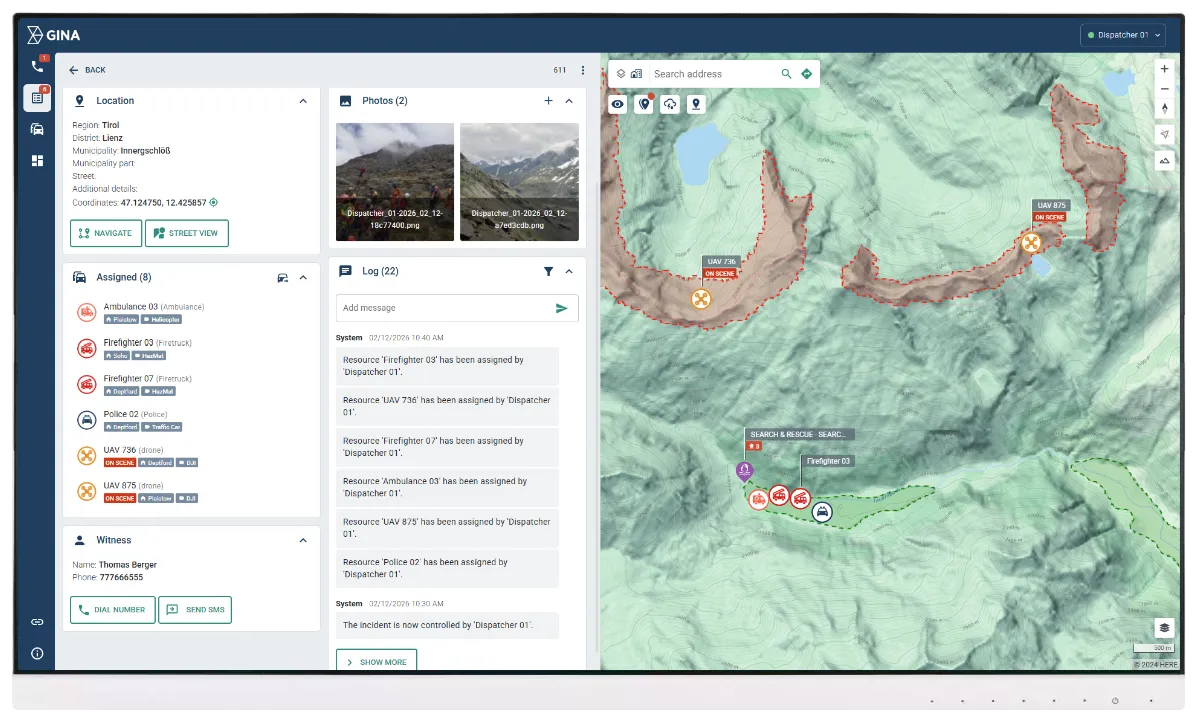
Multi-agency coordination
Coordinate dispatch, command, field units, partner agencies, and volunteers in one shared incident view. Define roles, responsibilities, and reporting lines from the start, then maintain them as the mission evolves. Reduce delays caused by fragmented updates, unclear ownership, and manual handovers between teams and shifts.
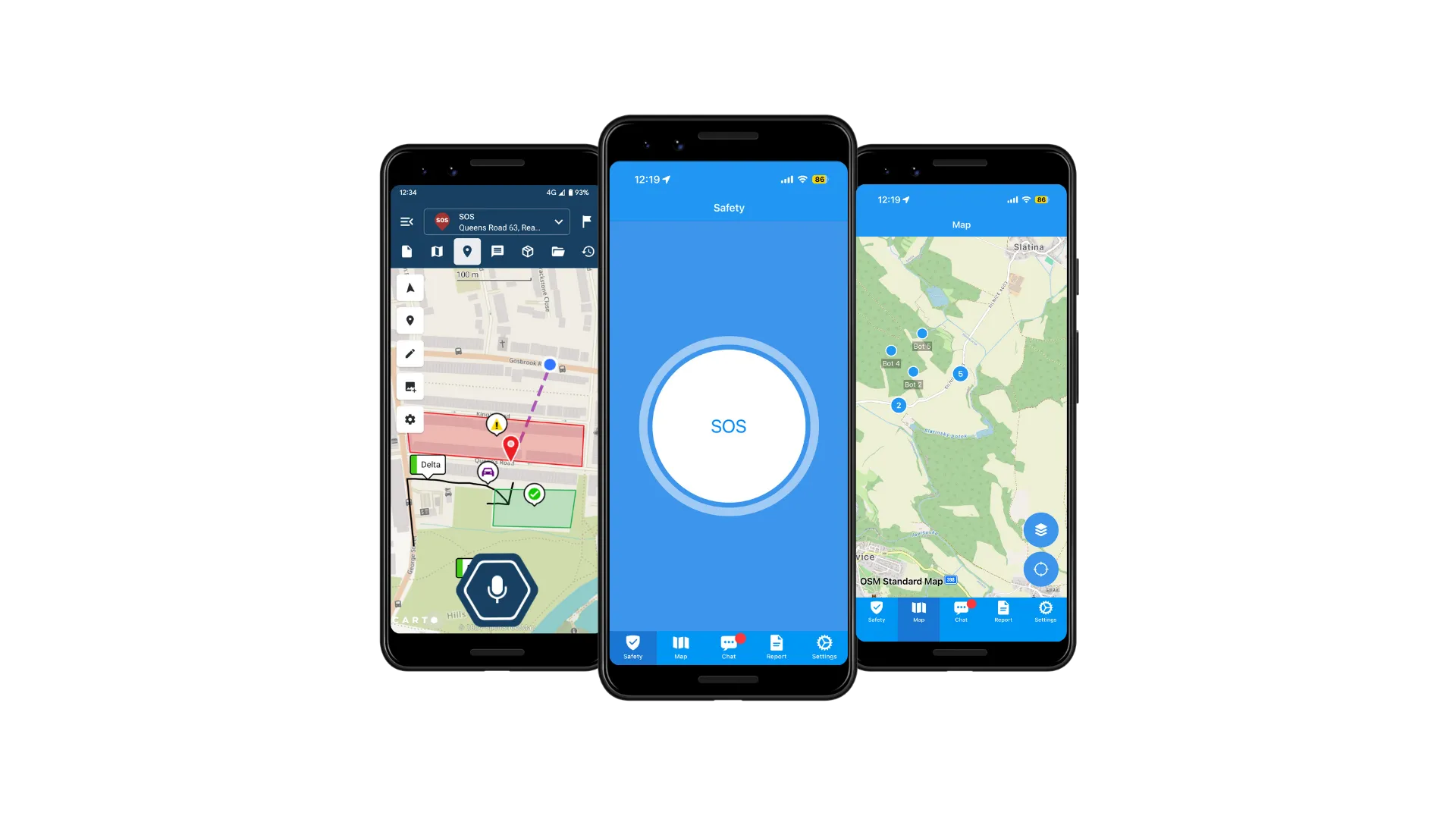
GINA Mobile apps for field teams
Extend the operational picture to responders in the field using GINA Mobile on tablets and smartphones. Teams can receive assignments, view mapped zones, update status, and share key incident information without relying on voice-only coordination. Support faster execution and cleaner handovers by keeping field updates structured and tied to the incident record.
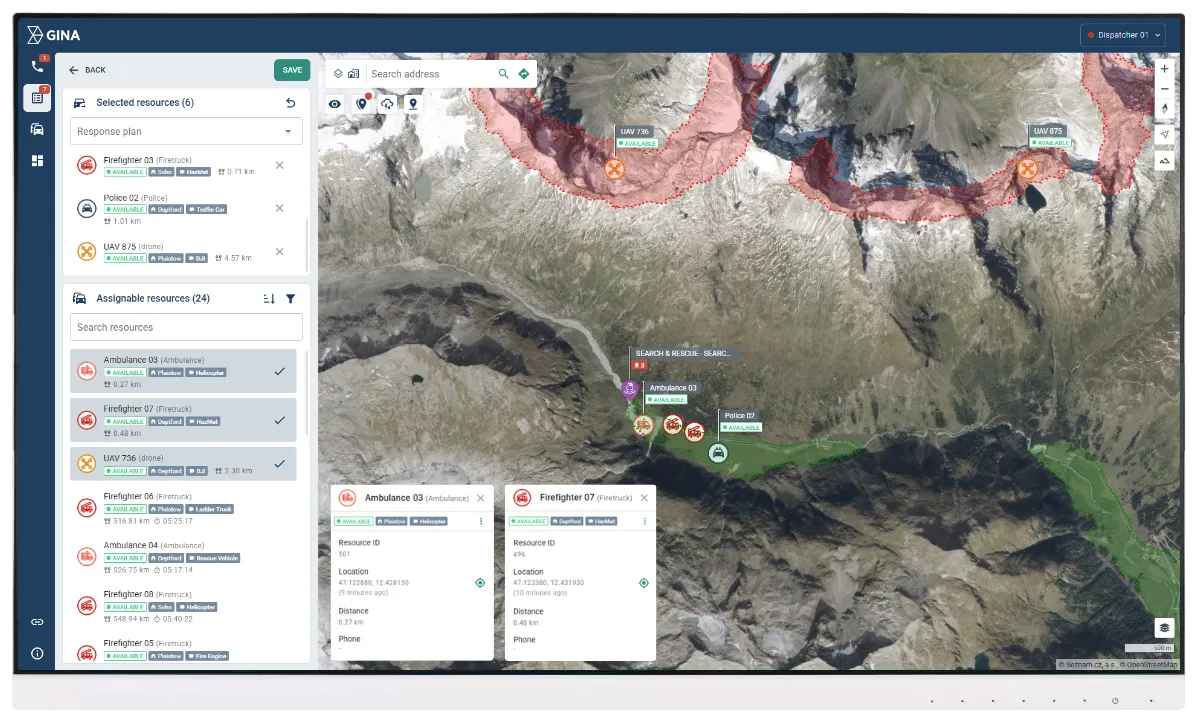
Real-time unit tracking
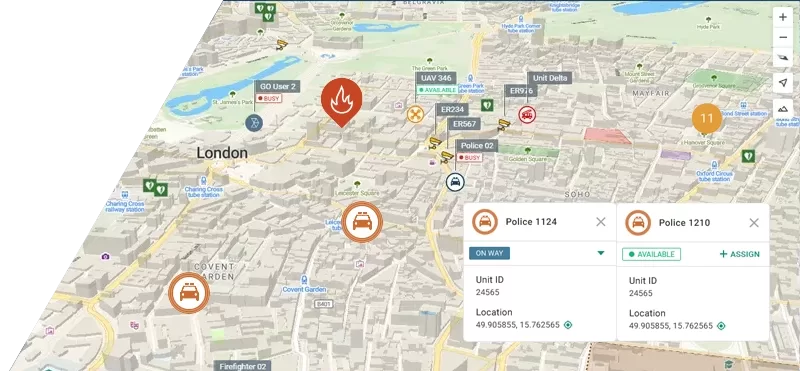
Track teams, vehicles, and mission-critical assets live on a single map. Maintain continuous visibility into who is where, who is moving, and who is stationary, with status that reflects operational reality. Improve routing, allocation, and safety oversight by making resource decisions based on current positions, not outdated radio updates.
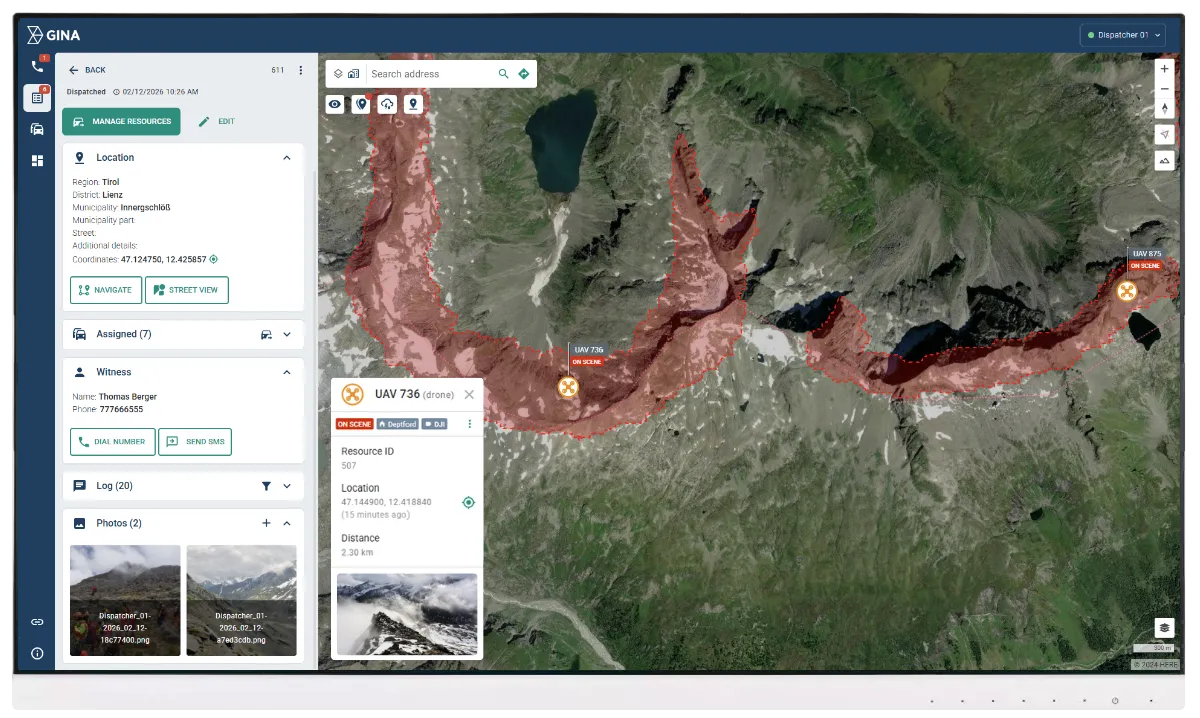
Aerial and thermal search support
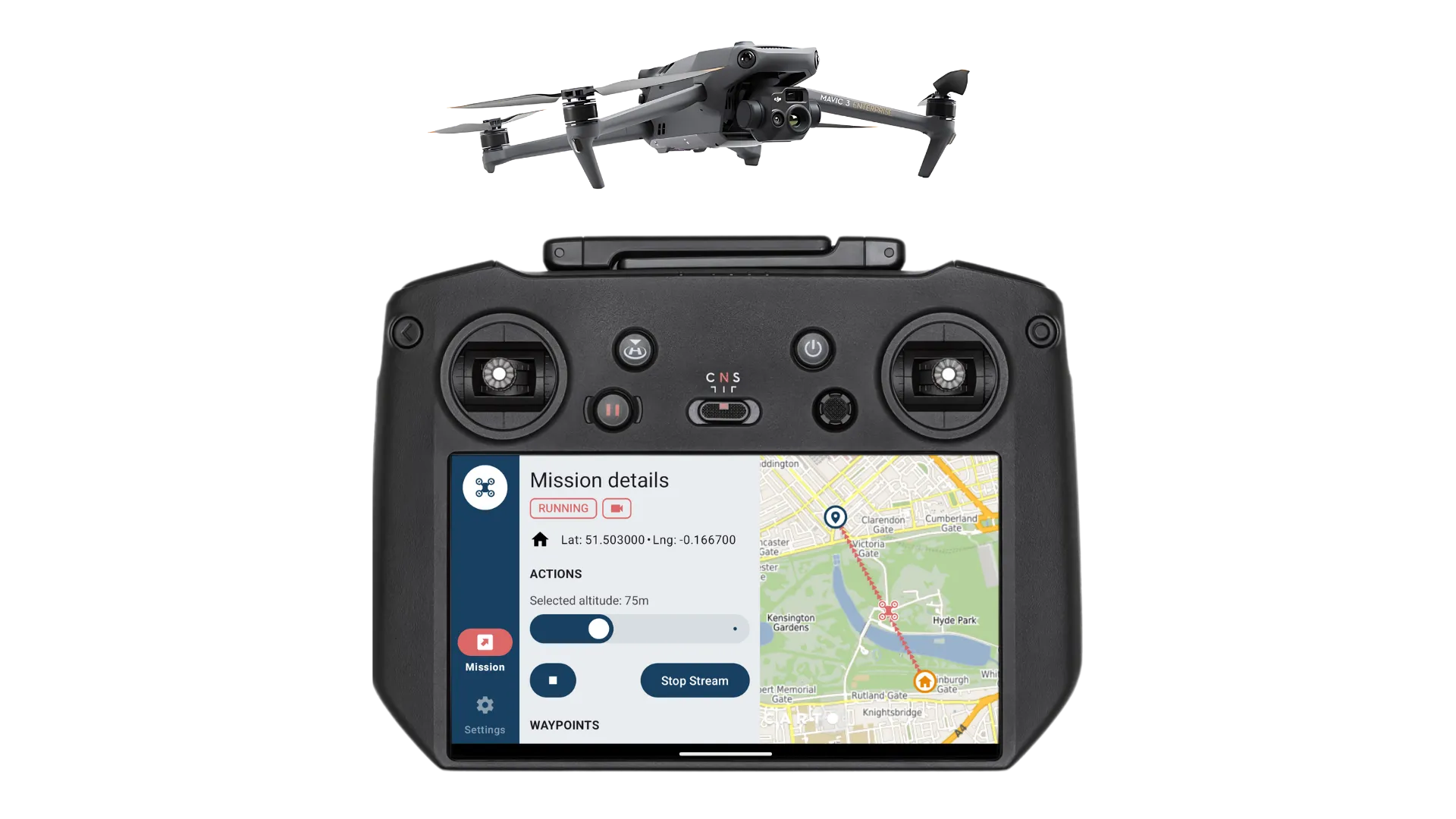
Bring drone operations into the incident workflow instead of managing them as a separate activity. Use thermal drone feeds to identify heat signatures, support night and low-visibility searches, and confirm sector coverage faster. Reduce responder exposure by validating areas from above before committing ground teams into difficult terrain or hazardous zones.
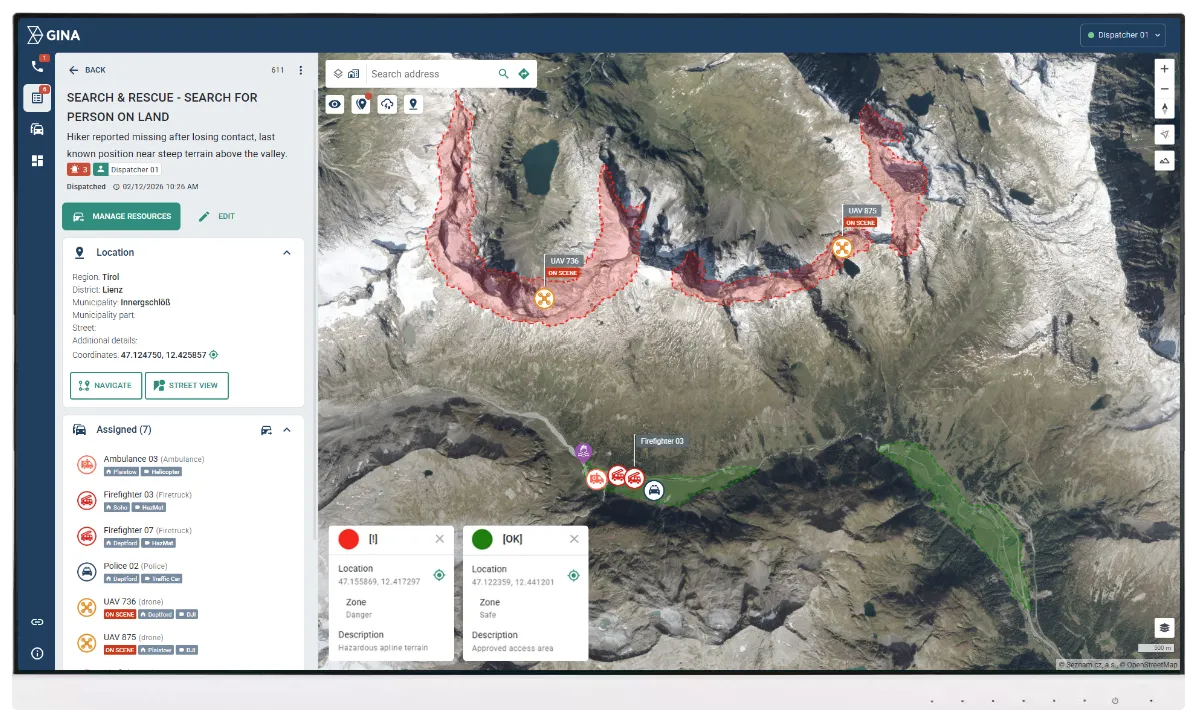
Safety zones and geofencing
Define search sectors, restricted zones, hazard perimeters, and safe staging areas directly on the map. Use geofencing to trigger alerts when units enter risk areas, cross sector boundaries, or deviate from approved routes and assignments. Strengthen safety control and operational discipline without adding manual monitoring load to the command team.
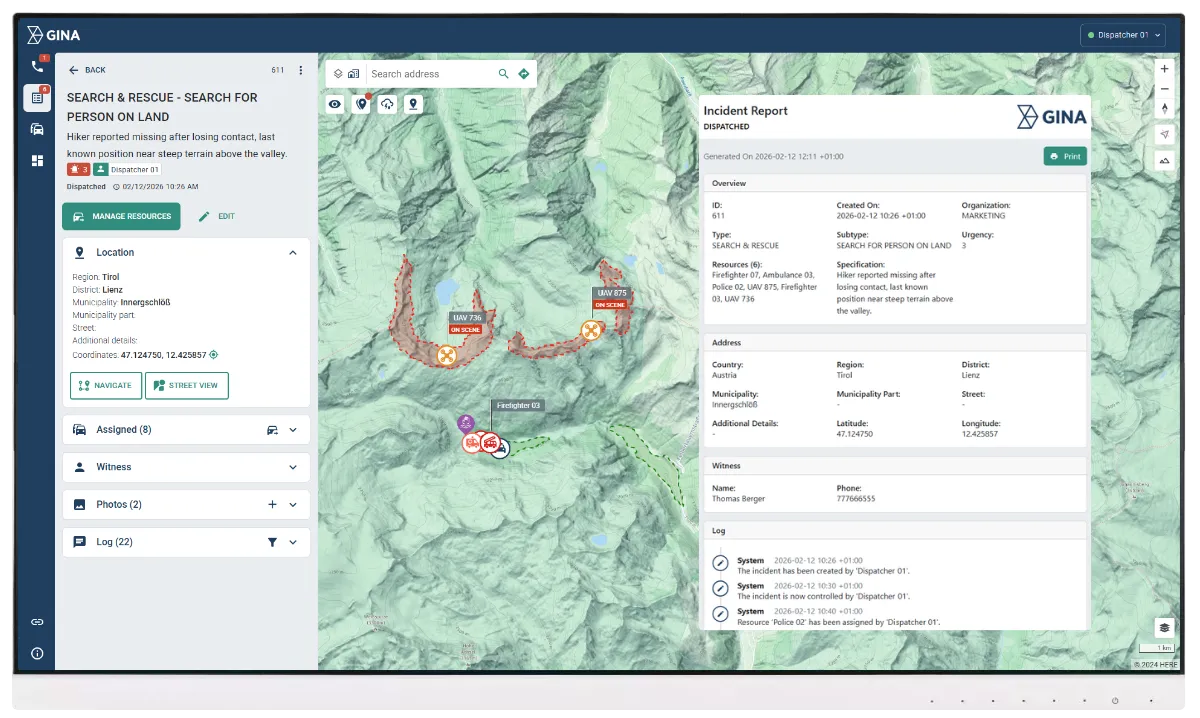
Shared operational log
Capture a complete operational timeline of actions, decisions, movements, and status changes throughout the mission. Keep communications and updates linked to the incident record for fast search and full traceability. Maintain continuity in low connectivity conditions with automatic synchronization when signal returns, and generate after-action reports without reconstructing events manually.
An African fire and rescue service speeds up incident response with Smart CAD
Smart CAD improved multi-agency coordination and real-time operational visibility, supporting faster decisions and more controlled response.